Should I pay in local currency or USD? (Dynamic currency conversion explained)
Updated November 26, 2026
Always pay in the local currency (euros in Europe, yen in Japan, baht in Thailand), never in your home currency (USD, GBP, EUR or AUD). When a foreign card reader or ATM offers to charge you in dollars, it is selling you Dynamic Currency Conversion (DCC), which typically tacks a 3% to 10%+ markup onto the exchange rate.
The prompt is designed to feel helpful. You are tired after a long flight, a waiter holds out a glowing terminal showing a familiar dollar total on one side and a mystery euro or yen figure on the other, and your brain naturally reaches for the number you recognize. That one tap is the most expensive convenience button in travel.
All dollar, pound and Australian dollar examples below use the November 26, 2026 European Central Bank reference rate (€100 = $109.75, £83.75, or A$165.40).
What is Dynamic Currency Conversion (DCC)?
Dynamic Currency Conversion is a service run by the merchant's payment processor or the ATM operator, not by your bank. When you tap "Pay in USD" (or GBP, AUD, CAD), you are asking that foreign processor to invent an exchange rate on the spot and bill your card in your home currency.
Nobody builds that feature out of kindness. The processor sets a padded rate, usually 3% to 8% worse than the Visa or Mastercard network rate at shops and restaurants, and regularly 7% to 12% worse at standalone tourist ATMs. The payment processor, the merchant and sometimes the terminal vendor split that spread.
When you tap local currency instead, the transaction travels straight to Visa, Mastercard or American Express, which converts the charge near the wholesale interbank rate (typically well under 1% from the mid-market rate) and passes it to your home bank.
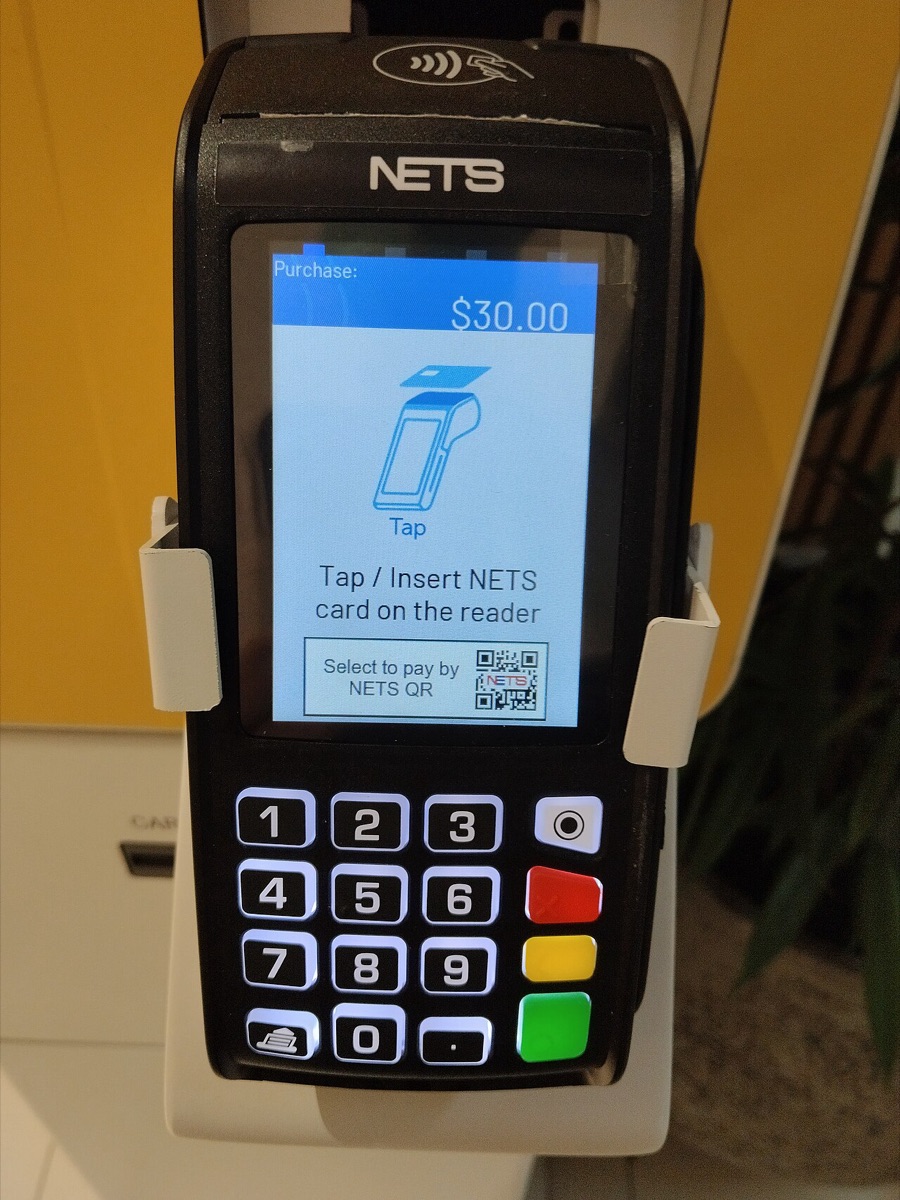
What that one tap actually costs on a €100 dinner
Here is what the exact same €100 dinner in Rome or Paris costs an American traveler on November 26, 2026 (€100 = $109.75 at the ECB reference rate):
| How you pay for €100 | Markup | What lands on your statement | Extra cost vs. best option |
|---|---|---|---|
| Local currency (EUR) + no-FX-fee card | ~0% | $109.75 | $0.00 |
| Local currency (EUR) + 3% FX-fee card | 3% | $113.04 | +$3.29 |
| Home currency (USD via DCC at 5%) | 5% | $115.24 | +$5.49 |
| Home currency (USD via DCC at 8%) | 8% | $118.53 | +$8.78 |
| Home currency (DCC 8%) + bank 3% foreign fee | ~11% | $122.09 | +$12.34 |
Read that last row twice. A lot of travelers pick USD thinking it dodges their bank's 3% foreign transaction fee. Often it does the exact opposite: many banks charge a foreign transaction fee based on where the merchant is located, not the currency of the bill. Pick USD on a card that charges 3% abroad and you can get hit by the merchant's 8% DCC markup and your bank's 3% fee on top.
The same math holds if you are spending pounds, euros or Australian dollars abroad. Whether you are asking "pay in local currency or GBP?" in Tokyo or "local currency or AUD?" in Bali, local currency wins every single time.
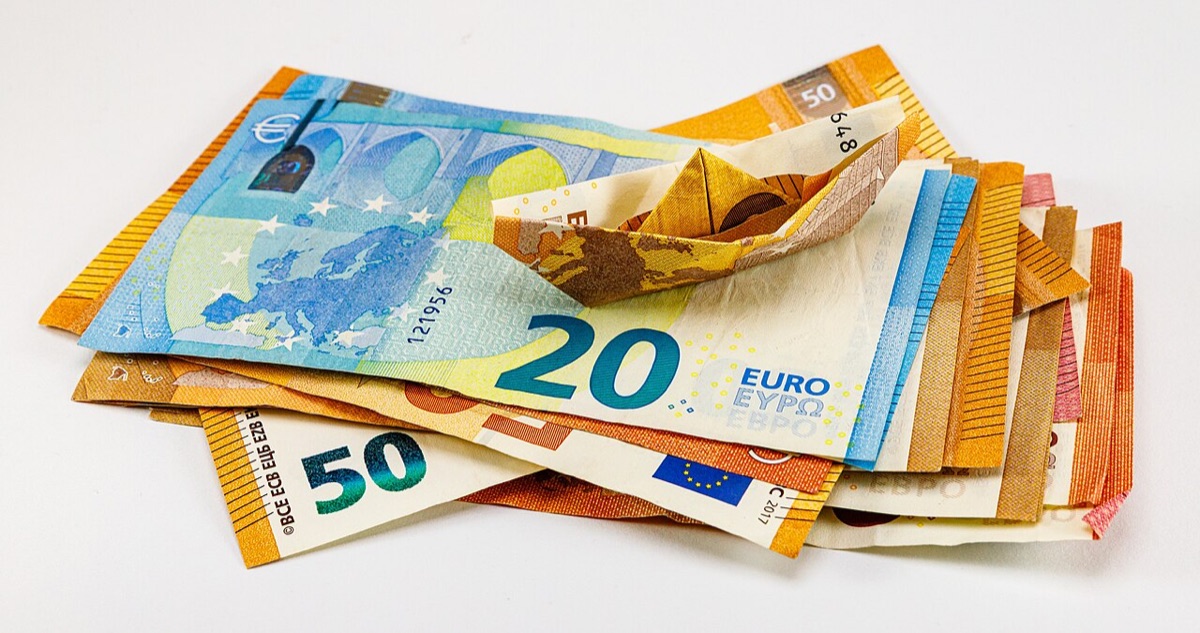
The ATM trap is even worse than restaurants
Card terminals at shops usually hover around a 3% to 6% DCC markup. Independent tourist ATMs (like the blue-and-yellow Euronet machines clustered around European train stations and plazas, or currency kiosks in airport arrivals) routinely push 8% to 13% spreads, and the screens are written like a trick question.
Watch for the wording. Instead of cleanly asking "Euros or Dollars?", an ATM will often show two buttons like:
- Accept Conversion (big green button, showing a "guaranteed" USD total and a tiny line admitting a 9% to 12% markup over the ECB rate)
- Decline Conversion / Continue Without Conversion (smaller or neutral button, sometimes followed by a second "Are you sure? Your bank's rate is not guaranteed!" warning screen)
Always press Decline Conversion (or Continue Without Conversion). Declining conversion does not cancel your cash withdrawal. It simply tells the ATM to hand you local cash and let your own bank do the currency math.
In the European Union, Regulation (EU) 2021/1230 actually forces ATMs and card terminals to show their total currency conversion markup as a percentage over the latest ECB euro reference rate before you press confirm. Once you know to look for that tiny percentage line on screen, you will spot a 9.5% rip-off in two seconds.
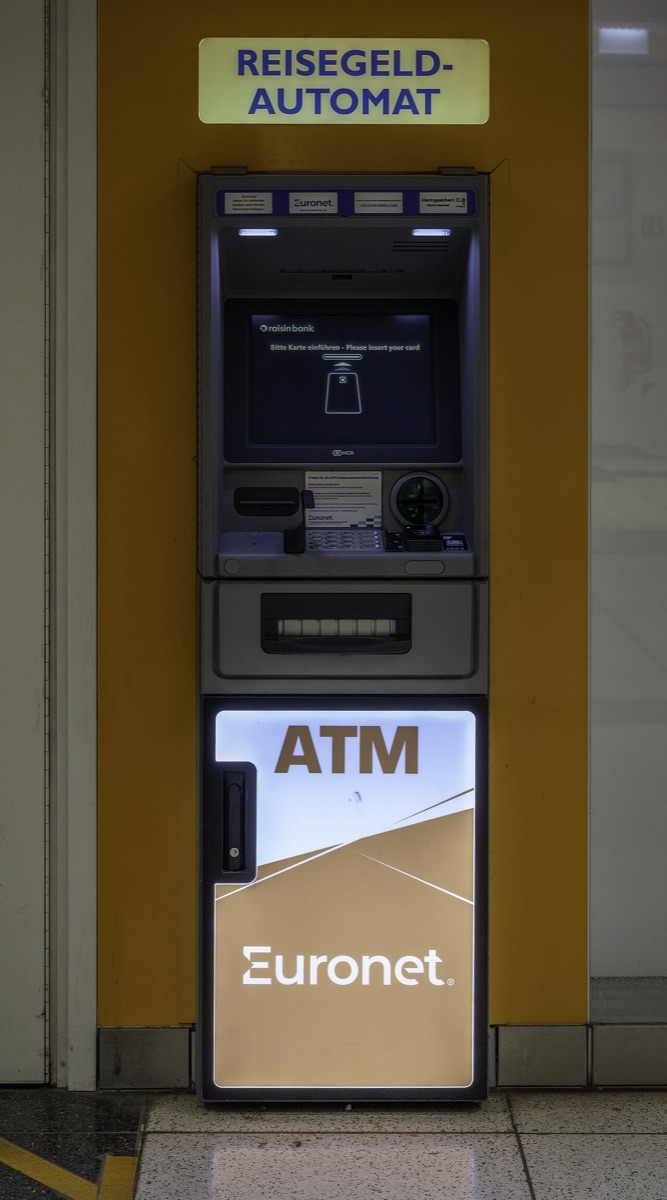
What about online bookings, hotels and Apple Pay?
The local-currency rule applies outside card machines too:
- Hotels and rental cars: Book and settle in the hotel's local currency whenever the booking site gives you a currency toggle. Pay-later hotel rates converted into USD on the checkout screen almost always carry a hidden buffer.
- Airlines and foreign websites: If a Japanese railway site or European airline offers to bill you in USD or GBP at checkout, switch back to JPY or EUR before entering your card (assuming you have a no-foreign-transaction-fee card).
- Apple Pay and Google Pay: Tapping your phone does not make you immune to DCC on higher-value transactions, though Mastercard restricts DCC on low-value contactless taps. Still watch the terminal screen for a currency choice before walking away.
- PayPal: PayPal loves defaulting to its own conversion rate when you buy from a foreign store. Look for the tiny "See currency options" link and switch from PayPal's conversion to "Bill me in the seller's currency."
Check the receipt before you sign or walk away
Both Visa and Mastercard rules require merchants to let you choose the currency without pre-selecting DCC or tapping the screen for you. Occasionally a rushed cashier will tap "USD" out of habit before handing you the reader.
Look at the paper slip or screen before signing:
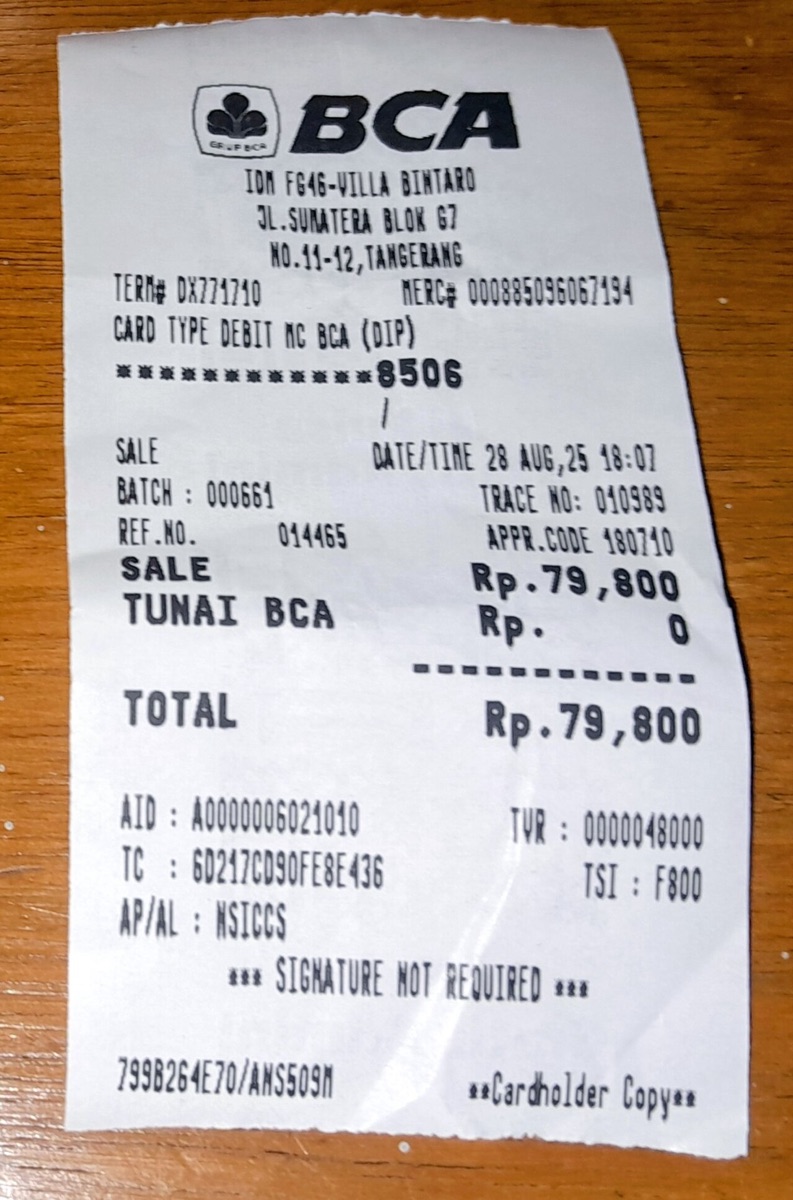
- A clean local charge shows one currency only (for example,
€42.00,¥4,910orRp 79,800). - A DCC charge shows two currencies, an exchange rate line, and fine print saying something like "I have been offered a choice of currencies and my choice is final."
If a merchant selected your home currency without asking, ask them to void the transaction and rerun it in the local currency. If they refuse and you did not authorize DCC, keep the receipt; card networks allow your bank to dispute unauthorized currency conversion.
Is there ever a reason to pay in your home currency?
Almost never. The single edge case is a corporate expense card where your employer strictly requires receipts in USD and refuses to reimburse fluctuating FX rates, and even then your company is paying 4% to 8% extra for tidy accounting. For everyone paying out of their own pocket, local currency wins every time.
The real reason people tap USD (and how to stop)
People do not tap USD because they love paying an 8% fee. They tap USD because they are standing at a busy register in Tokyo, Rome or Bangkok and want to know what ¥6,850 or €48.50 actually is in real money before they pay.
You do not need the card machine to tell you. Before you tap your card, check the number yourself:
- Planning a Japan, Thailand or Bali trip? Read our guides on how much cash to bring to Japan (including exact 7-Eleven and JP Post ATM fees), whether Japan is expensive in 2026, whether Thailand is expensive in 2026, and what a trip to Bali actually costs in 2026.
- Compare global prices: See the Big Mac Index for travelers across 30 countries or test a quick conversion in our travel currency calculator.
- Pick a converter app: we compared 8 currency converter apps for travel, Kahei included (we make it, and we say so on the page).
- Print a wallet card: Grab our Japan yen cheat sheet, Thailand baht cheat sheet or Bali rupiah cheat sheet.
Or just point Kahei at the price tag or menu before the card machine even comes out. It shows the estimate in your home currency live over the camera view, works offline with saved daily rates, and never charges you 8% to tell you what dinner costs.
Euro reference rates from the European Central Bank; cross-rates calculated by Kahei.